

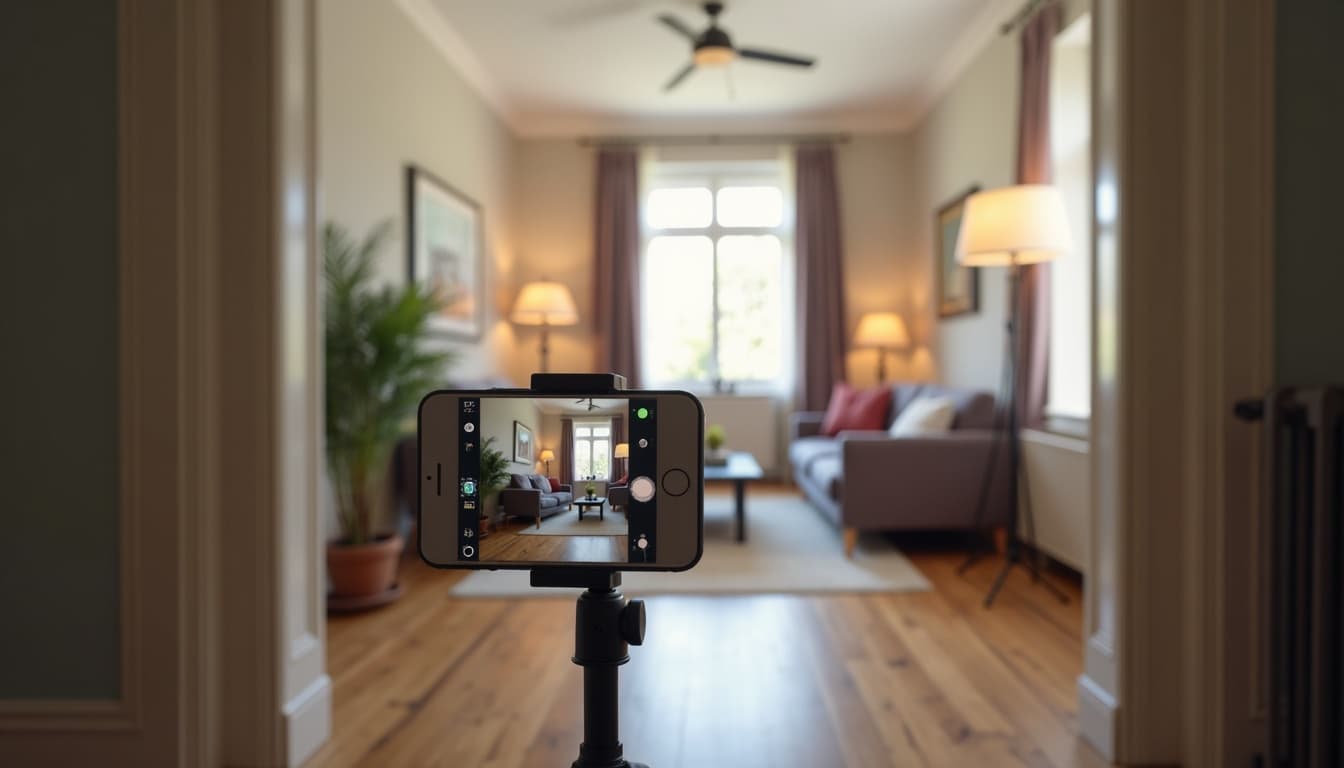
How to Photograph Your Room for the Best AI Design Results
With an AI design tool, your photo is the brief. The AI can only design with what it can see — every window, every piece of furniture, every awkward corner it can't see is a detail it has to guess at. Five minutes of care with your phone is the difference between a plan that fits your actual space and a pretty picture of somebody else's.
Where to stand, how to hold it
Shoot from a corner or the doorway, aiming for one frame that takes in as much of the space as possible: the main furniture, the windows, and how they sit relative to each other. Hold the phone at chest height and keep it level. Tilting up or down bends the walls in the photo, and the AI takes those bent walls at face value. Turn the phone sideways for the wider view, but resist the 0.5× ultra-wide lens, which stretches whatever sits at the edges of the frame. A stretched sofa gets measured as a longer sofa.
Give it light to work with
Shoot in the daytime with the curtains open and the lamps on. Bright and even beats moody every time. One caution: don't aim straight into a sunny window, or the camera will turn it into a white glare that swallows everything nearby. Shoot across the window rather than at it, or wait for a softer hour.
Tidy, but tell the truth
Clear away what isn't part of the space: the laundry, the packages, yesterday's dishes. But leave the real furniture and the real layout alone, even the parts you're unsure about. A good AI analysis starts by finding what's worth keeping, and it can't keep what you hid in the closet. You're not staging for a listing. You're showing a professional the space as it lives.
Show the bones
Windows, doors, and built-ins are the fixed facts a good tool designs around; PadGenie, for one, preserves them exactly as photographed. Make sure they're in the frame. If the window sits behind you in your best angle, take that shot anyway, then check whether a different corner catches both the window and the main furniture. And skip the filters, portrait mode, and edits. The unretouched photo is the accurate one.
The 30-second checklist
- Corner or doorway, chest height, phone level and sideways
- Normal lens, not ultra-wide, no filters
- Daylight plus lamps; don't shoot straight into the sun
- Clutter out, real furniture in
- Windows and doors visible in the frame
That's the whole job. Take a photo like this and PadGenie can read your space the way a stager would walking through the door: what's working, what's holding it back, and what to do about it, with a plan built for the space you actually photographed.